
Introduction
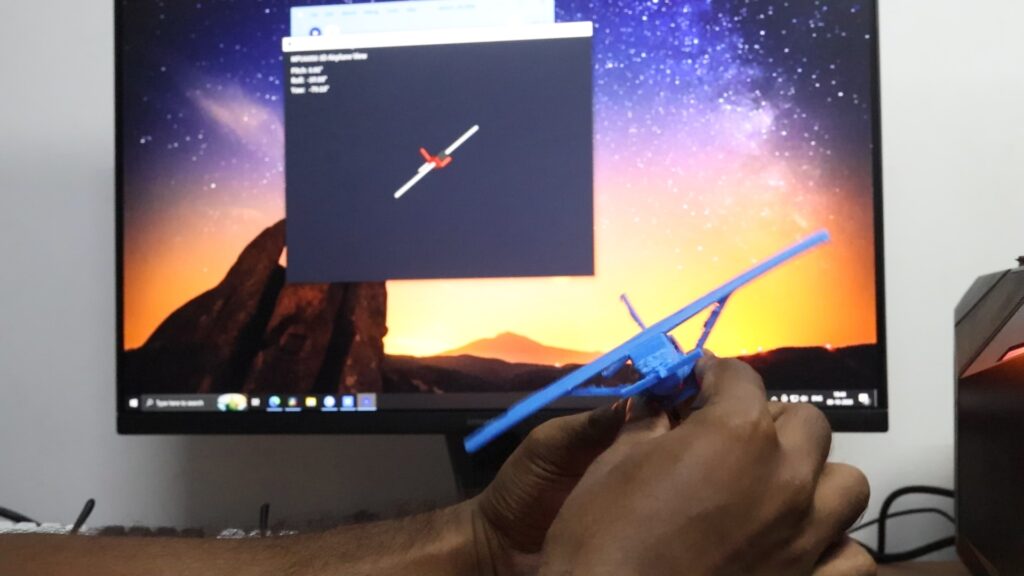
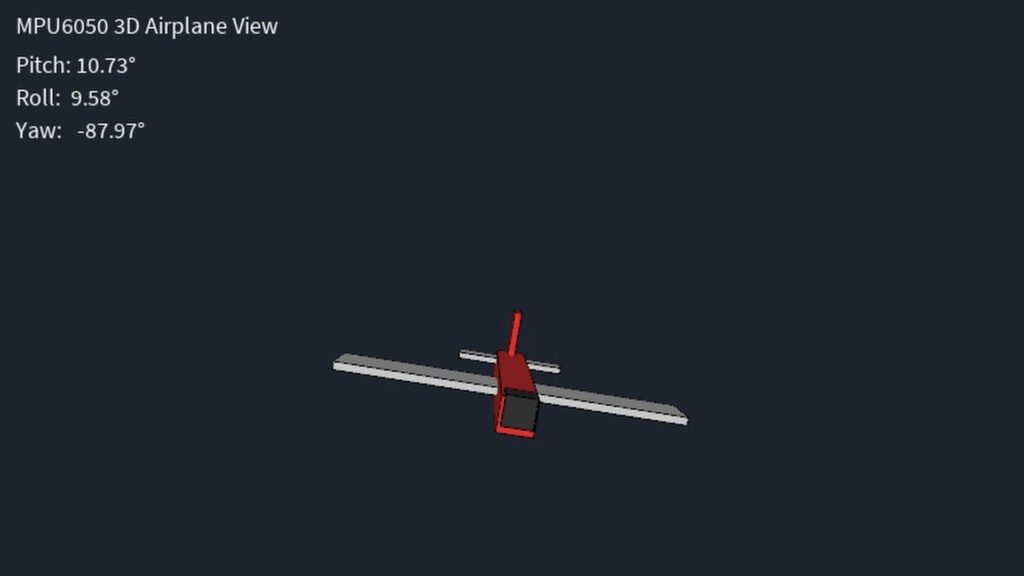
This project demonstrates how to build a DIY 3D plane motion and orientation tracker using an Arduino and an MPU6050 sensor. By tilting or moving a physical model equipped with the sensor, a corresponding 3D digital plane model on a computer screen mirrors its movements in real time.
Connections
The hardware setup requires straightforward wiring between the MPU6050 sensor and the Arduino board:
- VCC connects to the Arduino’s 5V pin.
- GND connects to GND.
- SCL connects to analog pin A5.
- SDA connects to analog pin A4.
Working
The project operates through a combination of hardware data acquisition and software visualization using serial communication:
- Arduino Code: The Arduino reads orientation data from the MPU6050 sensor and transmits it over a serial COM port.
- Processing Software: A separate Processing script receives the serial data to animate a 3D airplane model on the screen.
- Calibration: Upon launching the software, the system goes through an initial calibration phase. During this short window, the sensor must be kept completely still in a stable position so it can accurately sync with the digital 3D model.
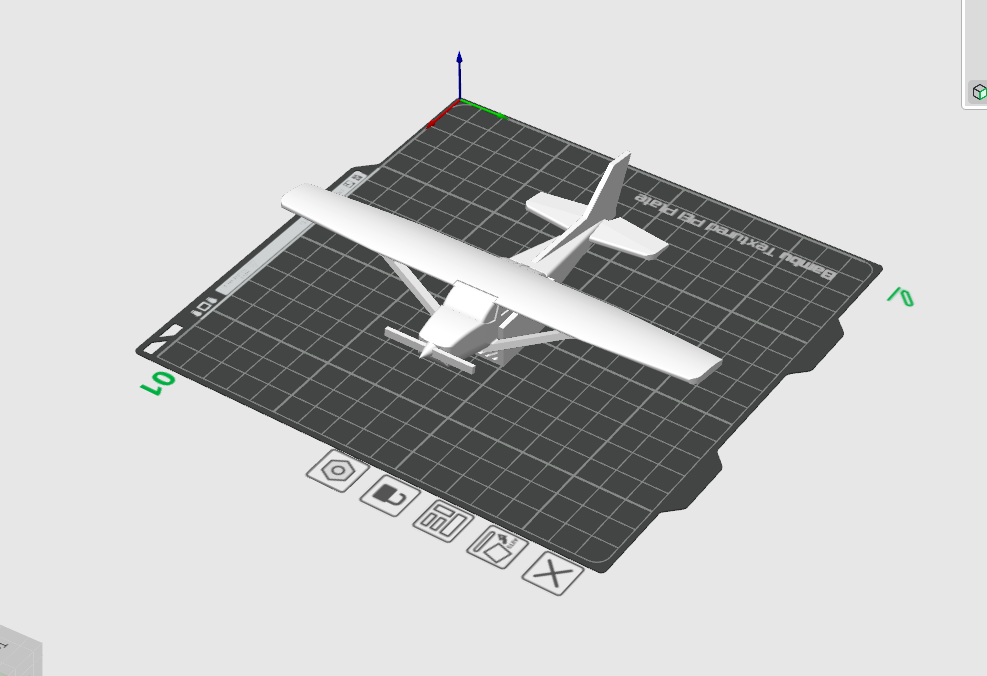
- Physical Assembly: The MPU6050 is mounted into a specially designed cabinet underneath a printable 3D paper model of a plane, allowing the physical and digital motions to match seamlessly.
Components
MPU605 – https://link.amazon/B010nRyr7
Arduino Uno –https://link.amazon/B0hVPlzDW
Jumper wires – https://link.amazon/B0bWtsAH1
Arduino Nano -https://link.amazon/B09hPoigI
Breadboard and jumber wire kit- https://link.amazon/B02Fuy5kY
Arduino Code & Processing code Download – Click Here
Plane 3D Model – Click Here
Detailed Video Tutorial – Click Here
Follow me on instagram – https://www.instagram.com/iamfebinpeter/