
Introduction
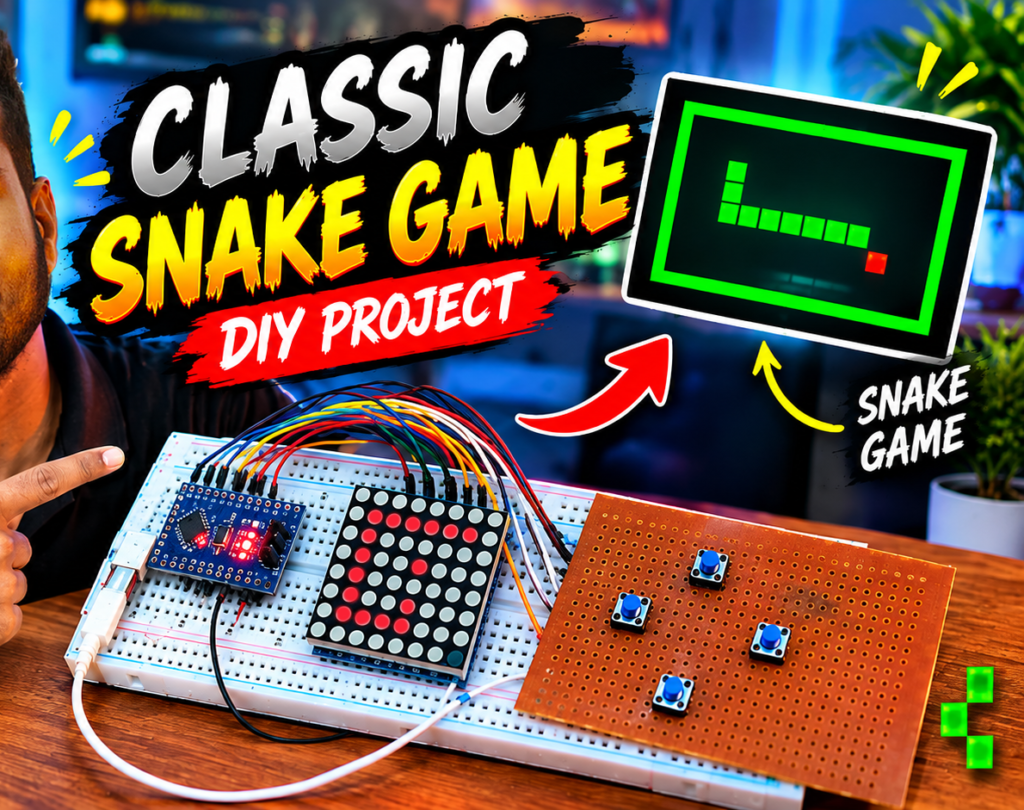
This project demonstrates how to build a classic retro Snake game using an Arduino microcontroller paired with an DOT MATRIX display and push buttons. The setup recreates the nostalgic arcade gaming experience in a compact, standalone DIY hardware device.
Connections
The hardware setup requires wiring the display and control buttons to the Arduino board:
- DOT MATRIX Display VCC: Connects to the Arduino’s 5V pin.
- DOT MATRIX Display GND: Connects to GND.
- DOT MATRIX Display Din: D11
- DOT MATRIX Display Cs: D10
- DOT MATRIX Display Clk : D13
- Directional Push Buttons: Connect one side of all the button switches to GND.Then connect 2,3,4,5 pins of arduino to the Switches UP,DOWN,LEFT,RIGHT.
Working
The project operates through real-time input polling and graphical game loop processing:
- Game Initialization: Upon powering up, the Arduino initializes the graphics library and sets up theDOT MATRIX screen, displaying the starting state of the snake and a randomly generated food item.
- Input Handling: The microcontroller continuously reads the state of the push buttons to determine player inputs, updating the direction of the snake accordingly.
- Game Loop & Logic: The code updates the snake’s position frame by frame, checking for collision events—such as whether the snake hits the screen boundaries or runs into its own body.
Components
Jumper wires – https://link.amazon/B0bWtsAH1
Arduino Nano –https://link.amazon/B09hPoigI
Compatible Dot Matrix Display = https://link.amazon/B036RAcj5
Arduino Code – Click Here